
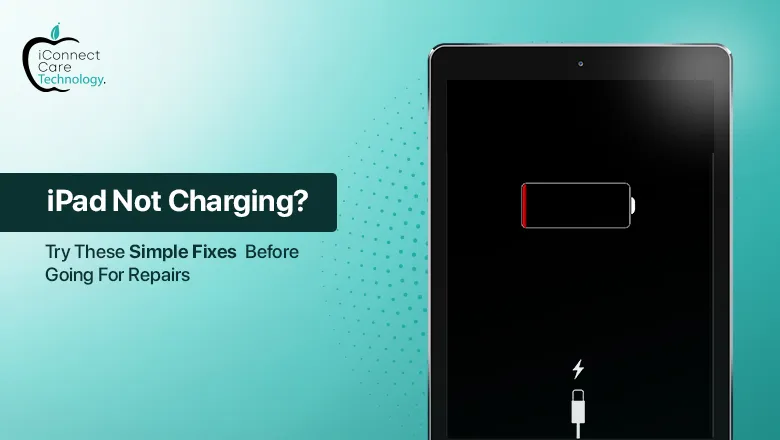
Is your iPad unable to charge at all? Don’t panic. There are some iPad charging issues that you can probably fix without the help of a professional. Before you assume there’s a problem with the hardware, complete these simple steps to troubleshoot your device first. If these tips don’t solve your problem, we’ll show you what to do next, and when to consider having an iPad charging port replacement in Bangalore.
1. Check Your Charging Cable and Adapter
2. Clean the Charging Port
3. Force Restart Your iPad
If your iPad has Face ID: Quickly press and release the Volume Up button, Quickly press and release the Volume Down button, Press and hold the Power button until you see the Apple logo.
If your iPad has a Home button: Press and hold the Home button and Power button at the same time until you see the Apple logo.
4. Update Your iPad
5. Use Another Power Source
When to Seek Professional Help
If you’ve tried these solutions and your iPad isn’t charging, the charging port may be faulty. If it is damaged, worn down or corroded internally, the device will not charge, hence fixing the iPad charging port is necessary. In this case, we recommend seeing a professional repair service.
Where to Get It Fixed in Bangalore
If you’re located in Bangalore, and would like the best service center to choose from, iConnect Care Technology is a great option, and trusted brand for Apple repairs. The experienced technicians at iConnect Care Technology can take on any type of iPad repair, with services ranging from screen replacement, to iPad charging port replacement, and everything in between. iConnect Care Technology uses genuine parts and tools in all repairs, for complete satisfaction.
iConnect Care Technology offers transparent pricing, so you do not need to worry about iPad charging port replacement costs, you will get to know the pricing upfront. The price varies based on your iPad model, and the damage.
Conclusion
When an iPad won’t charge, many times it is not a serious problem. It is a good practice to first check your cable, clean the charging port, and reboot your iPad. These few steps can eliminate many common concerns. In the event you are looking for help fixing an iPad charging port, do not wait in seeking a professional to avoid further damage.
iConnect Care Technology offers trustworthy and reasonably priced iPad repair service in Bangalore, and it is an iPad charging port replacement in Bangalore. They have quick turnaround times and provide customer-friendly service.